











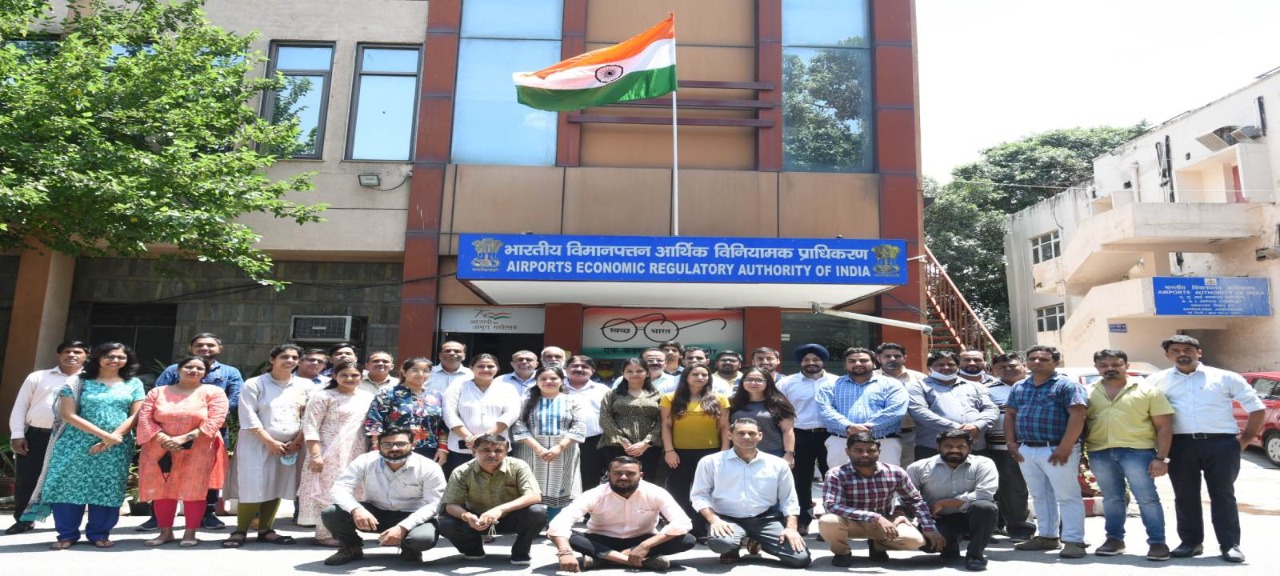
 एयरपोर्ट्स इकोनॉमिक रेगुलेटरी अथॉरिटी ऑफ़ इंडिया में कॉन्ट्रैक्ट के आधार पर सीनियर कंसल्टेंट (लीगल) की नियुक्ति
परंपरागत रूप से भारत के अधिकांश हवाईअड्डे सरकार के स्वामित्व और नियंत्रण में थे। 1997 में भारत सरकार ने हवाईअड्डा अवसंरचना नीति तैयार की, जिसमें गुण्वत्ता, दक्षता में सुधार करने और प्रतिस्पर्धा बढ़ाने के लिए निजी क्षेत्र की भागीदारी का प्रावधान किया। इस पहल के परिणामस्वरूप बैंगलौर और हैदराबाद में सार्वजनिक निजी भागीदारी वाले ग्रीनफील्ड हवाईअड्डे अस्तित्व में आए। इस प्रवृत्ति से प्रतिस्पर्धा में बढ़ोतरी होने और भविष्य में विभिन्न श्रेणियों के हवाईअड्डों के लिए समान अवसर प्रदान करने की आवश्यकता परिलक्षित हुई। तत्पश्चात भारतीय विमानपत्तन प्राधिकरण ने हवाईअड्डा प्रचालक के साथ-साथ विनियामक की भूमिका अदा की, जिसके परिणामस्वरूप हित में अवरोध होने लगा।
तत्पश्चात भारत सरकार ने नागर विमानन क्षेत्र के लिए सुदृढ नीति तैयार करने के लिए श्री नरेश चन्द्र समिति का गठन किया। समिति ने स्वतंत्र विनियामक प्राधिकरण की स्थापना करने की सिफारिश की। समिति की सिफारिशों को लागू करने के लिए यह महसूस किया गया कि एक स्वतंत्र आर्थिक विनियामक प्राधिकरण की स्थापना की जाए। तदनुसार विमानपत्तन आर्थिक विनियामक प्राधिकरण विधेयक, 2007 संसद द्वारा 2008 में पारित किया गया और राष्ट्रपति की सहमति 05 दिसम्बर, 2008 को प्राप्त की गई। विमानपत्तन आर्थिक विनियामक प्राधिकरण अधिनियम, 2008 (2008 का 27) अध्याय III और अध्याय IV को छोड़कर 01 जनवरी, 2009 को प्रवृत्त हुआ और ऐरा अधिनियम, 2008 के अध्याय III और अध्याय IV 01 सितम्बर, 2009 को प्रवृत्त हुए। ऐरा अधिनियम, 2008 के अनुसार केन्द्र सरकार ने हवाईअड्डों पर प्रदान की जाने वाली वैमानिक सेवाओं के लिए टैरिफ और अन्य प्रभारों को विनियमित करने के लिए भारतीय विमानपत्तन आर्थिक विनियामक प्राधिकरण की स्थापना की।
 वीडियो गैलरी
 फोटो गैलरी